What Is an IP Address?
Internet Protocol (IP) addresses are the fundamental building blocks of the internet, acting like digital home addresses for devices. Every computer, smartphone, or server online is assigned a unique IP address so that data knows where to go and where it came from. When you send an email or browse a website, your device’s IP address helps route the information correctly, much like how a return address and destination address guide a postal mail delivery. IP addresses ensure that each device can identify itself and communicate with others on the vast global network.
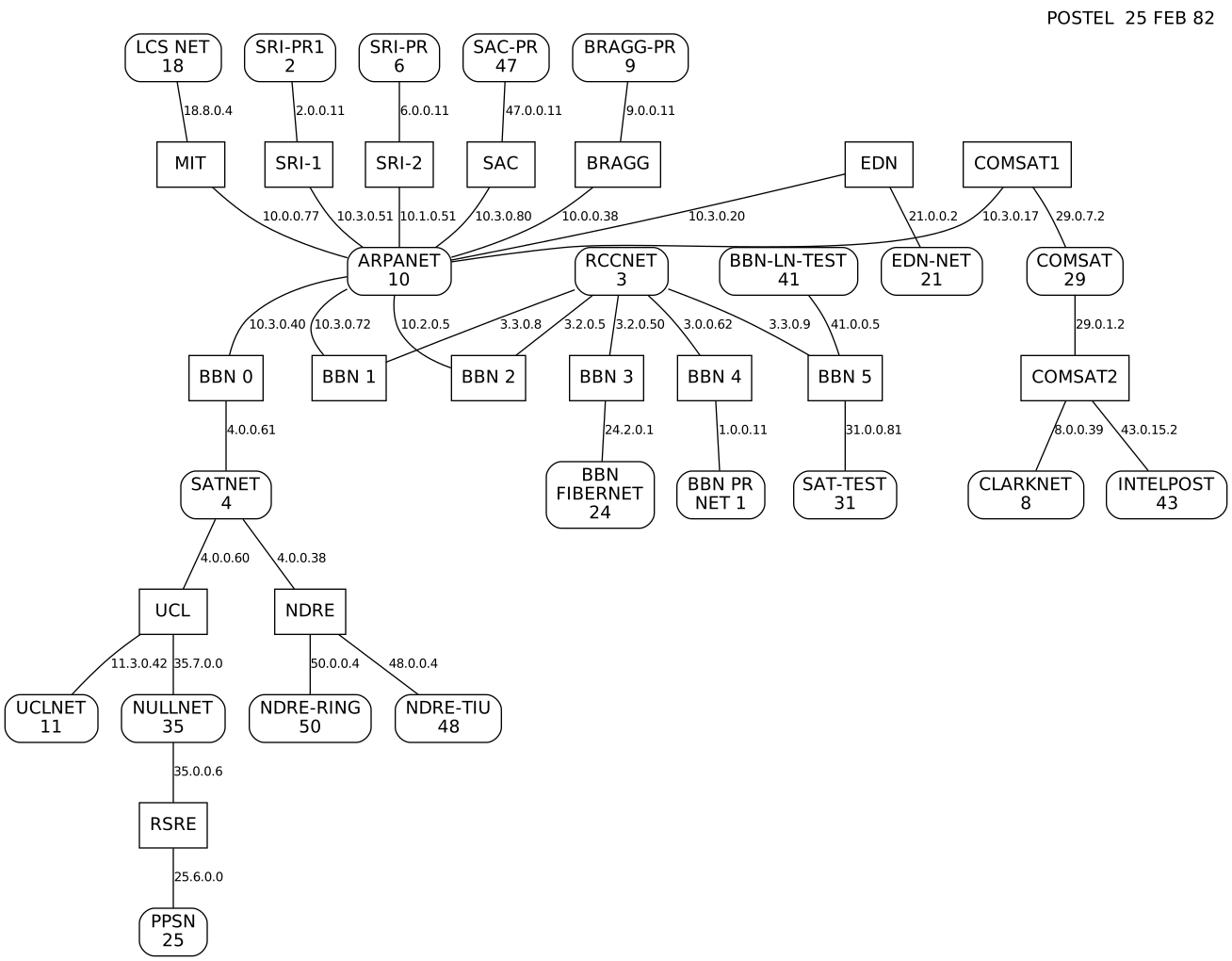
IPv4 vs. IPv6 – Address Space and Format:
There are two main versions of IP addresses in use today: IPv4 and IPv6. IPv4 addresses are the classic format of four numbers separated by dots (for example, 192.168.10.4). This 32-bit system provides around 4.3 billion unique addresses, which seemed like plenty in the early days of the internet but eventually proved insufficient as the web grew worldwide. IPv6, introduced to address the IPv4 shortage, uses a 128-bit format with eight groups of hexadecimal numbers separated by colons (for example, 2001:0db8:85a3::8a2e:0370:7334). The IPv6 space is astronomically large (enough addresses for virtually every grain of sand on Earth), ensuring we won’t run out of IP addresses anytime soon. Most modern networks support both versions. As a user, you might not notice much difference in daily use, but IPv6 adoption is increasing behind the scenes to support the expanding internet.
Public vs. Private IP Addresses:
Not all IP addresses are equal; some are meant for the public internet, while others are reserved for private networks. A public IP address is the address of your device as seen on the internet. When your home router connects to your Internet Service Provider (ISP), it’s typically assigned a public IP (which could be IPv4 or IPv6) that websites and services see when you access them. In contrast, private IP addresses are used within local networks (like the devices connected to your home Wi-Fi). Common private IPv4 ranges include 192.168.x.x or 10.x.x.x, which are reused in networks worldwide but are hidden behind routers.
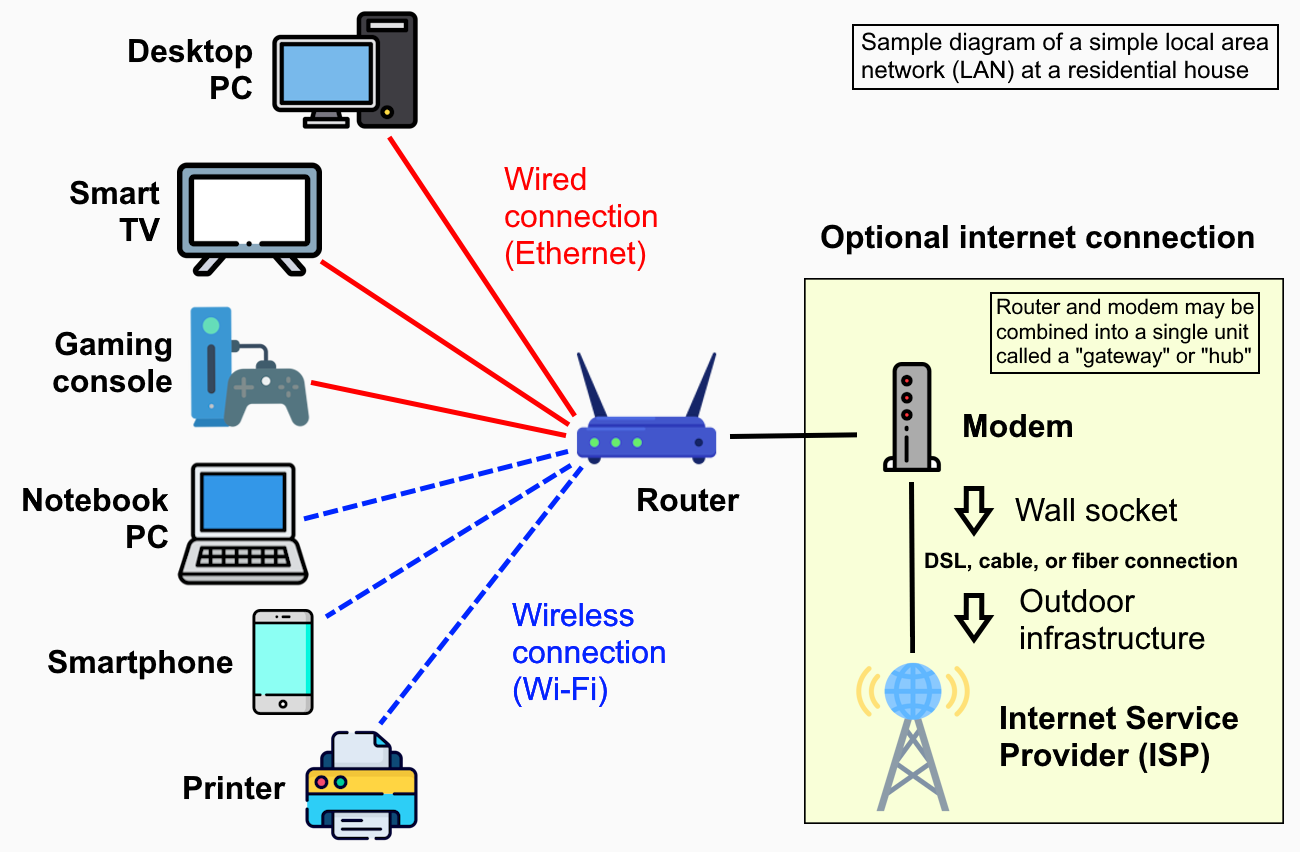
Private IPs allow multiple devices in a home or office to communicate internally and share a single public IP when accessing the internet through a mechanism called NAT (Network Address Translation). This system keeps the global internet working efficiently and adds a layer of security since outside traffic cannot directly reach devices with private addresses.
Static vs. Dynamic IPs:
Another important distinction is whether an IP address is static or dynamic. A static IP address is one that does not change over time – it’s permanently assigned to a device. Businesses often use static IPs for servers hosting websites or for important equipment, ensuring they are always reachable at the same address. A dynamic IP address, on the other hand, is assigned temporarily by the network (usually via DHCP) and can change periodically. Most home users get dynamic IPs from their ISPs; for example, your router might receive a different IP after a reboot or after the lease period. Dynamic addresses are cost-effective and convenient for providers, and generally work fine for everyday activities. However, if you need to consistently reach a device (like running a personal web server or remote camera), a static IP or a dynamic DNS service is preferable.
Why IP Addresses Matter (Use Cases):
- Everyday Users: Whenever you visit a website, your IP address is used to send information back and forth. Online services might also use your IP to provide localized content (like showing your local language or region-specific content automatically).
- Programmers & IT Professionals: Developers utilize IP addresses when building networked applications, configuring servers, or calling APIs. For instance, a programmer might use an IP geolocation API to tailor content based on user location, or they might whitelist certain IPs to allow services through a firewall.
- Financial Services: Banks and online payment platforms track IP addresses to help detect fraud. For example, if a login to a banking account occurs from an unusual IP location (like a different country than normal), the system could flag or block the activity as a security measure.
- Cybersecurity: Security analysts monitor IP addresses to investigate malicious activities. IP addresses can identify where traffic comes from – if a particular IP is known for hacking or spam, it can be blocked or put on a watchlist. Conversely, companies often keep logs of IP addresses to trace unauthorized access or to comply with cyber regulations.
Finding Your IP Address:
If you’re curious about your own IP, our website’s tools can instantly show your public IP address and related details. You can also find it through your device (for example, searching “what is my IP” online, or checking network settings on your computer). Keep in mind that your public IP might change over time unless you specifically pay for a static address. Additionally, you have both a public IP (external) and a private IP (internal to your local network). Our platform can help clarify these if needed, showing the information visible to the outside world.
Conclusion:
IP addresses are the indispensable identifiers that make internet communication possible, from loading Google’s homepage to sending a chat message. Understanding the basics of IP addresses—different versions, types, and their uses—helps demystify what’s happening each time you go online. Whether you’re a casual user or a programmer debugging a network issue, a solid grasp of IP addresses is useful in navigating today’s digital world.
Disclaimer:
The information provided by our IP tools is for general reference and educational purposes. While we strive for accuracy in details like geolocation and ISP data, IP-based information has limitations and may not always be 100% precise. Remember that IP addresses alone do not reveal personal identities without additional data. Use the information responsibly and consider privacy implications. Our site and content are not intended for illicit activities or bypassing legal restrictions. We do not guarantee uninterrupted accuracy and are not liable for any misuse of the information.
Limitations:
IP-based data can be incomplete or vary across sources and network conditions, so results should be treated as indicative rather than definitive.